
Look up a stapled super fund for an employee
2 min read
Look up a stapled super fund for an employee
When an employee hasn't provided their own super fund details (see Bank, Super Fund, and TFN Details), you can look up their stapled super fund with the ATO from their staff card instead. For the decision tree around when and why to request a stapled fund, see Determine a new employee's super fund.
Authorise Wageloch to look up super funds
Do this once per payroll before you can look up any employee's stapled fund.
Enable ATO access first
You must enable access to services in the ATO Access Manager for Wageloch Payroll software before you can look up stapled super funds for employees.
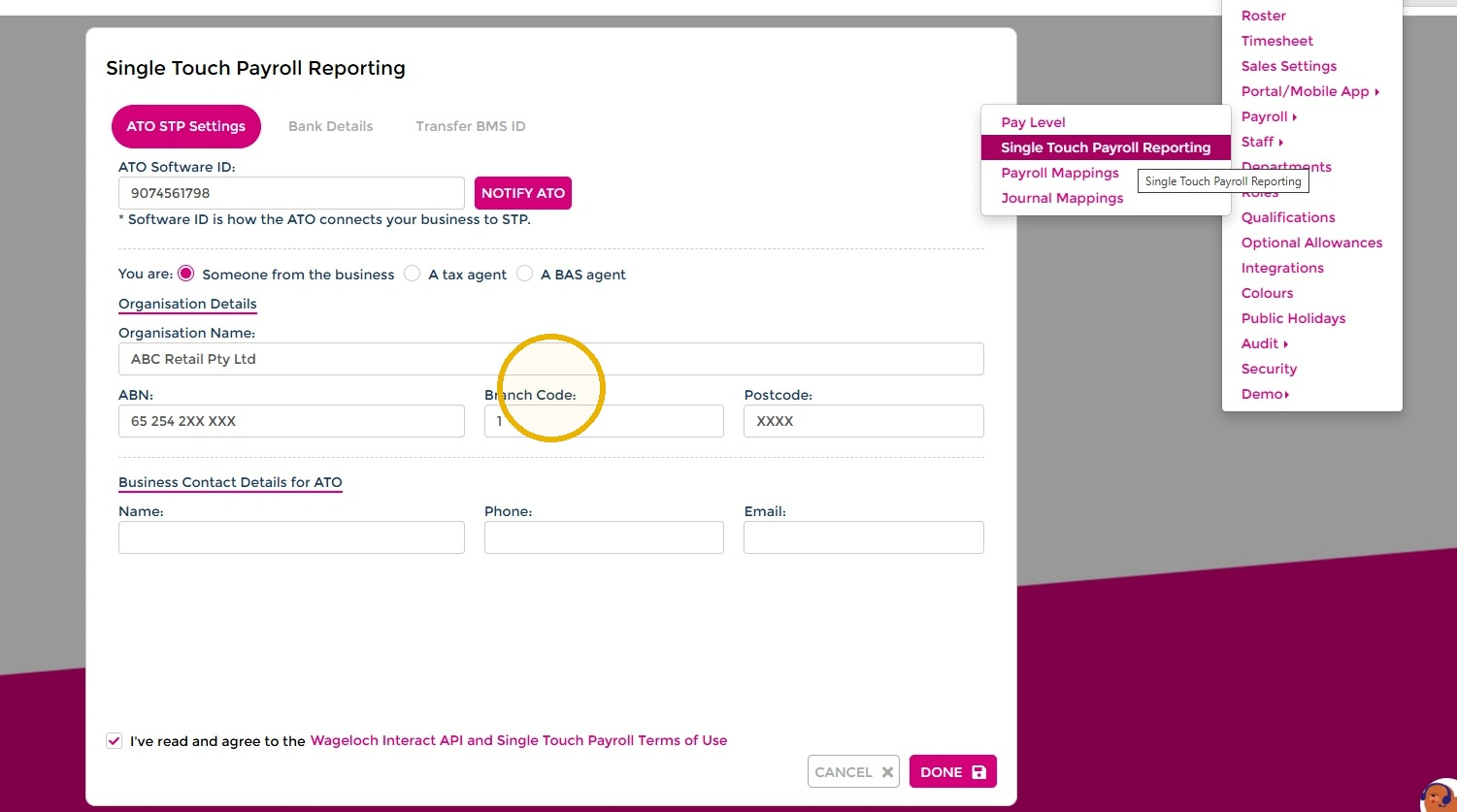
- Open Settings > Payroll > Single Touch Payroll and select Notify ATO.
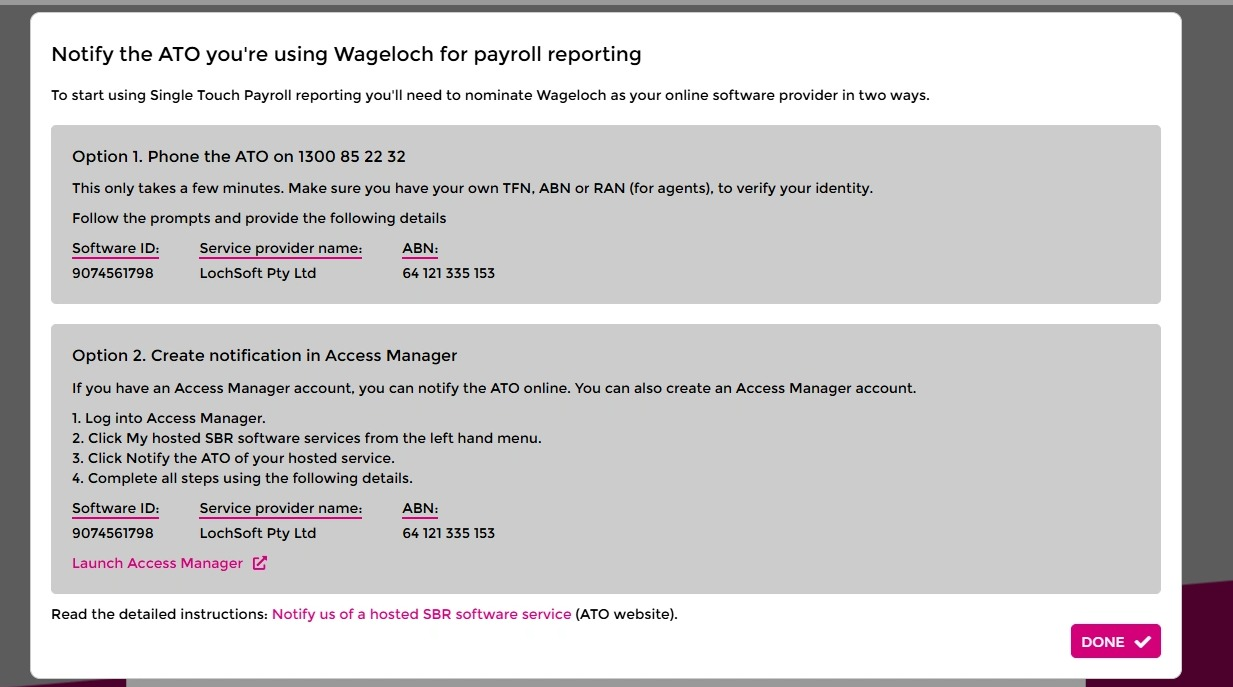
- Follow the steps in the Notify the ATO you're using Wageloch for payroll reporting dialog to nominate Wageloch as your online software provider, either by phone or through the ATO Access Manager.
Look up an employee's stapled super fund
Employment relationship required
You need an employment relationship link with the employee before you can look up their fund. Submit a TFN declaration or process a Single Touch Payroll (STP) event for the employee first.
- Open Staff and select the employee.
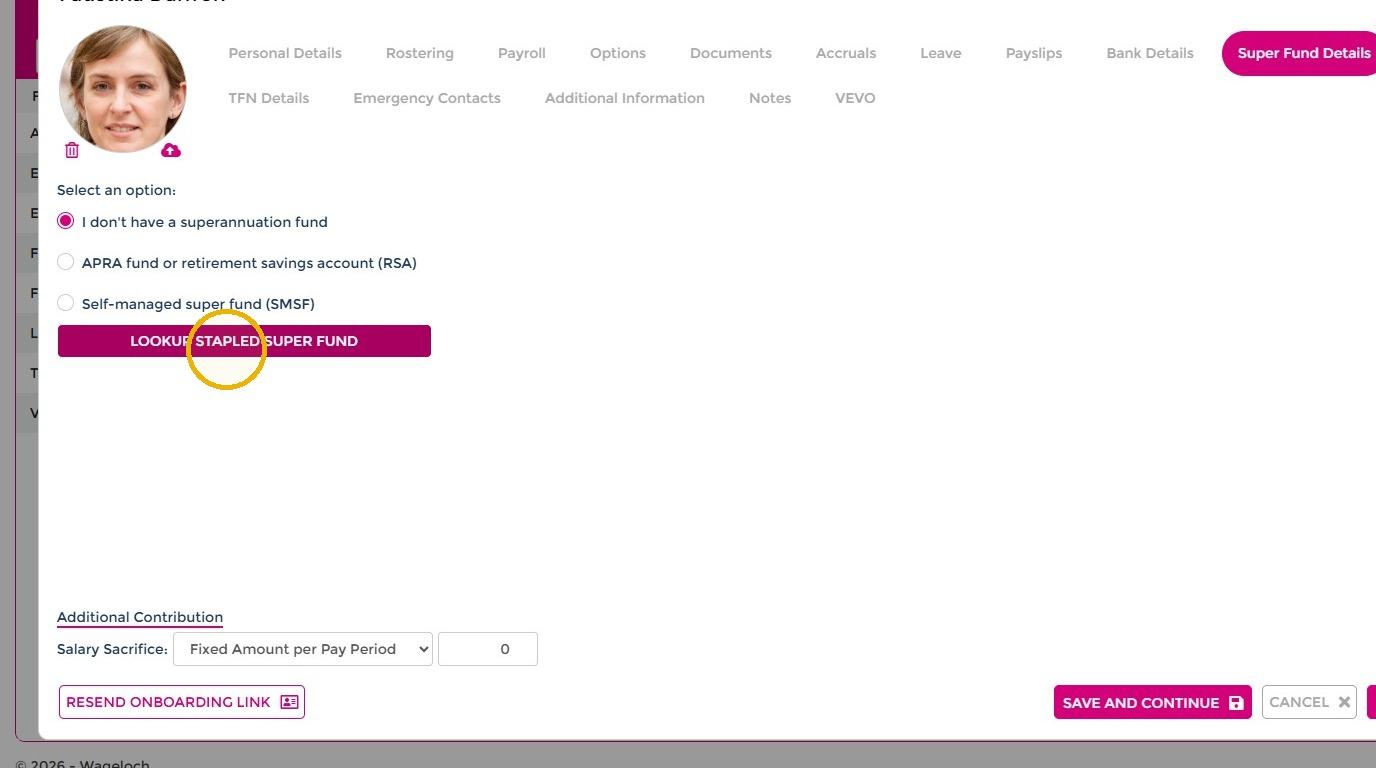
- Open the Super Fund Details tab.
- Select I don't have a superannuation fund, then select Lookup Stapled Super Fund.
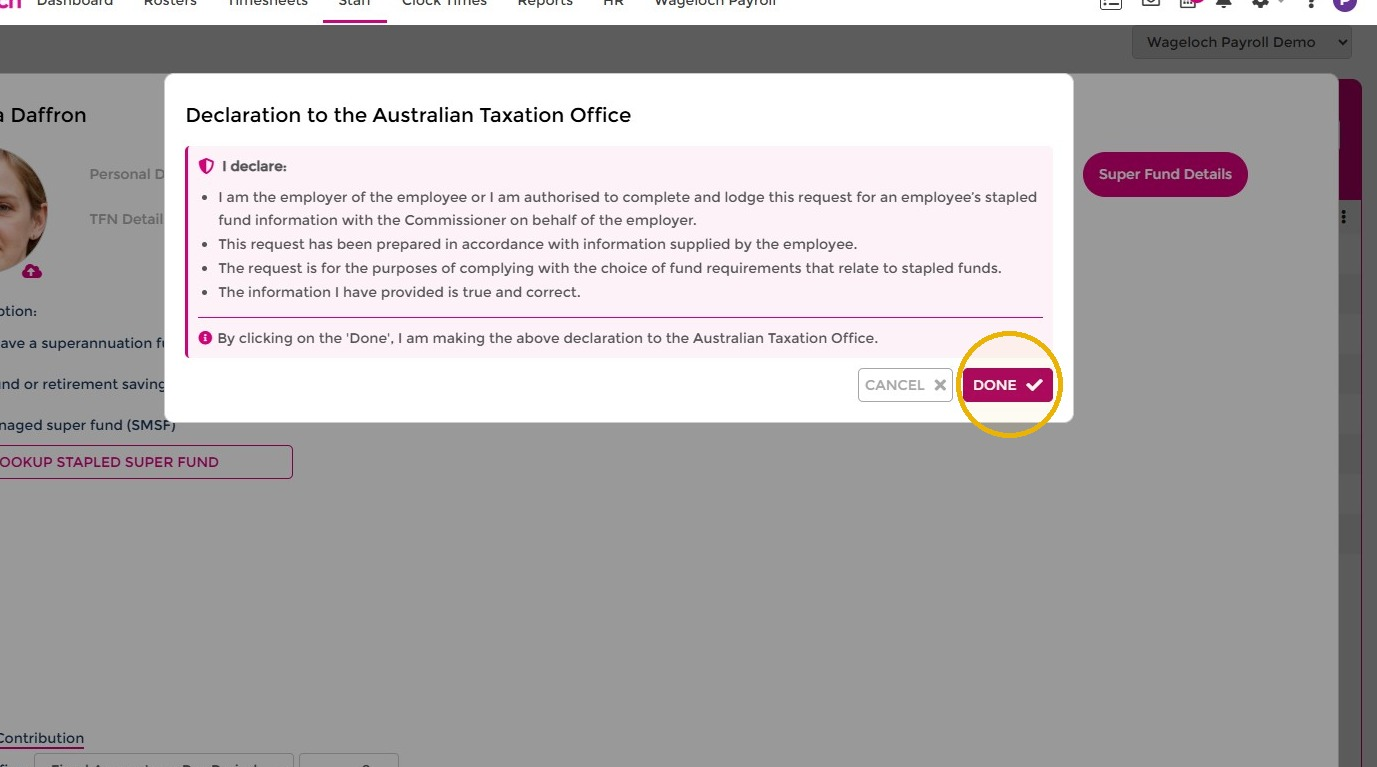
- Read the declaration to the Australian Taxation Office and select Done to confirm you're authorised to complete the lookup.
- Confirm the employee's super fund details now appear on the tab, then select Done to save.
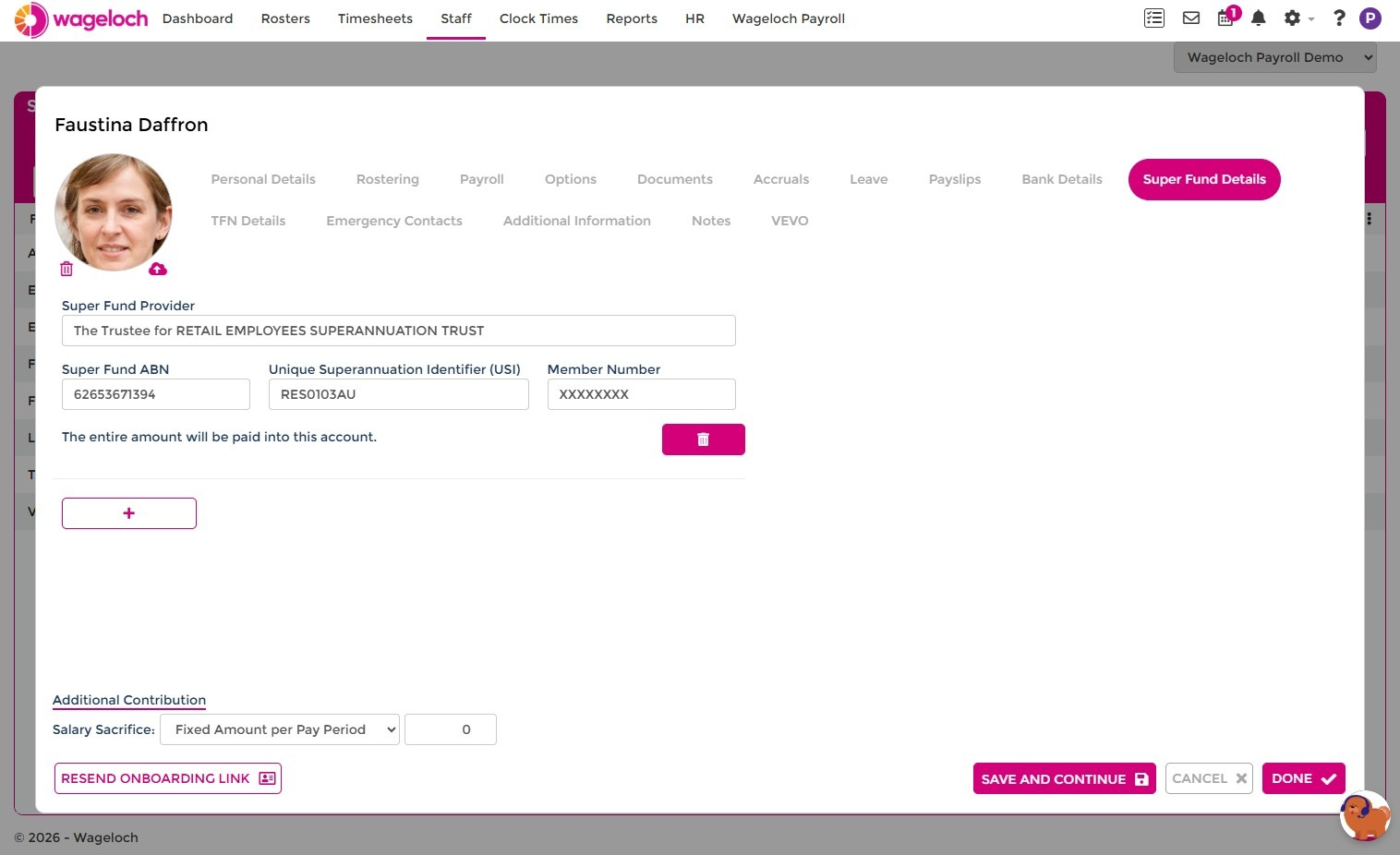
The employee's stapled super fund is now saved to their staff card for payroll.