
Staff setup
2 min read
Staff setup
Payroll runs correctly only when staff records are complete and accurate.
Use this page to prepare payroll-ready staff cards with personal, tax, bank, and super details.
Required staff details
Before processing payroll, confirm each employee record includes:
- First name and surname
- Date of birth
- Phone number and email address
- Residential address
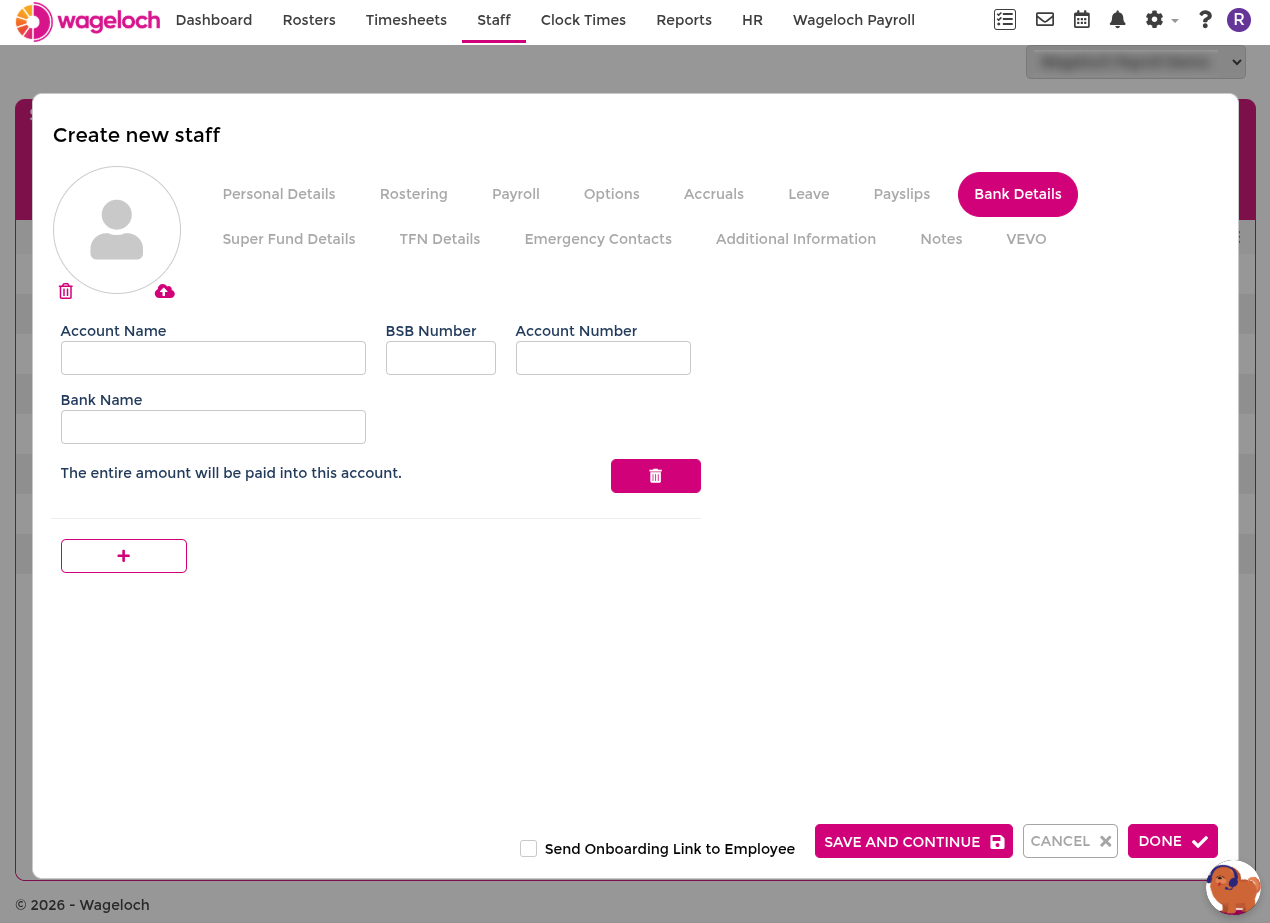
- Bank details (account name, BSB, account number)
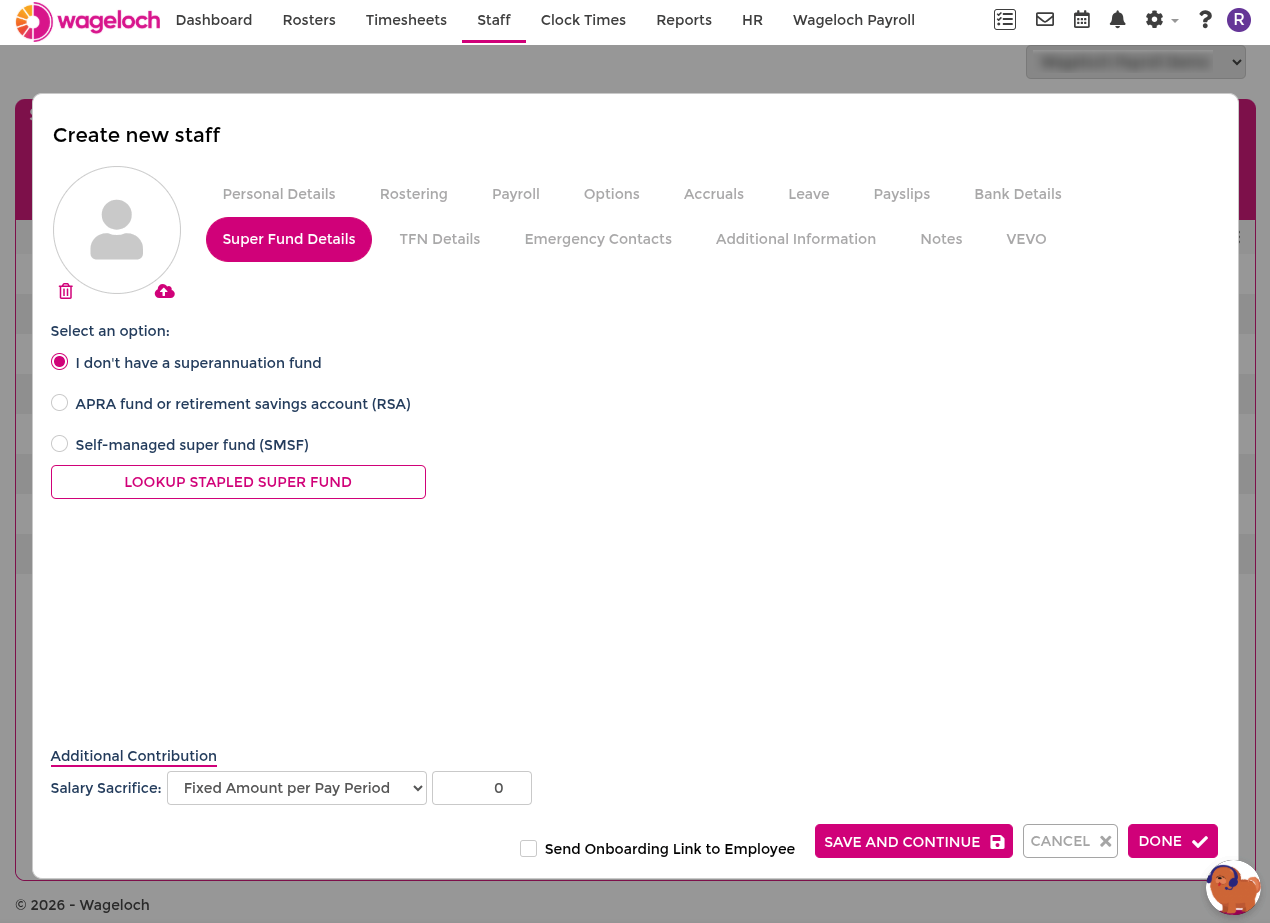
- Super details (fund name, fund ABN, USI/SPIN, member number)
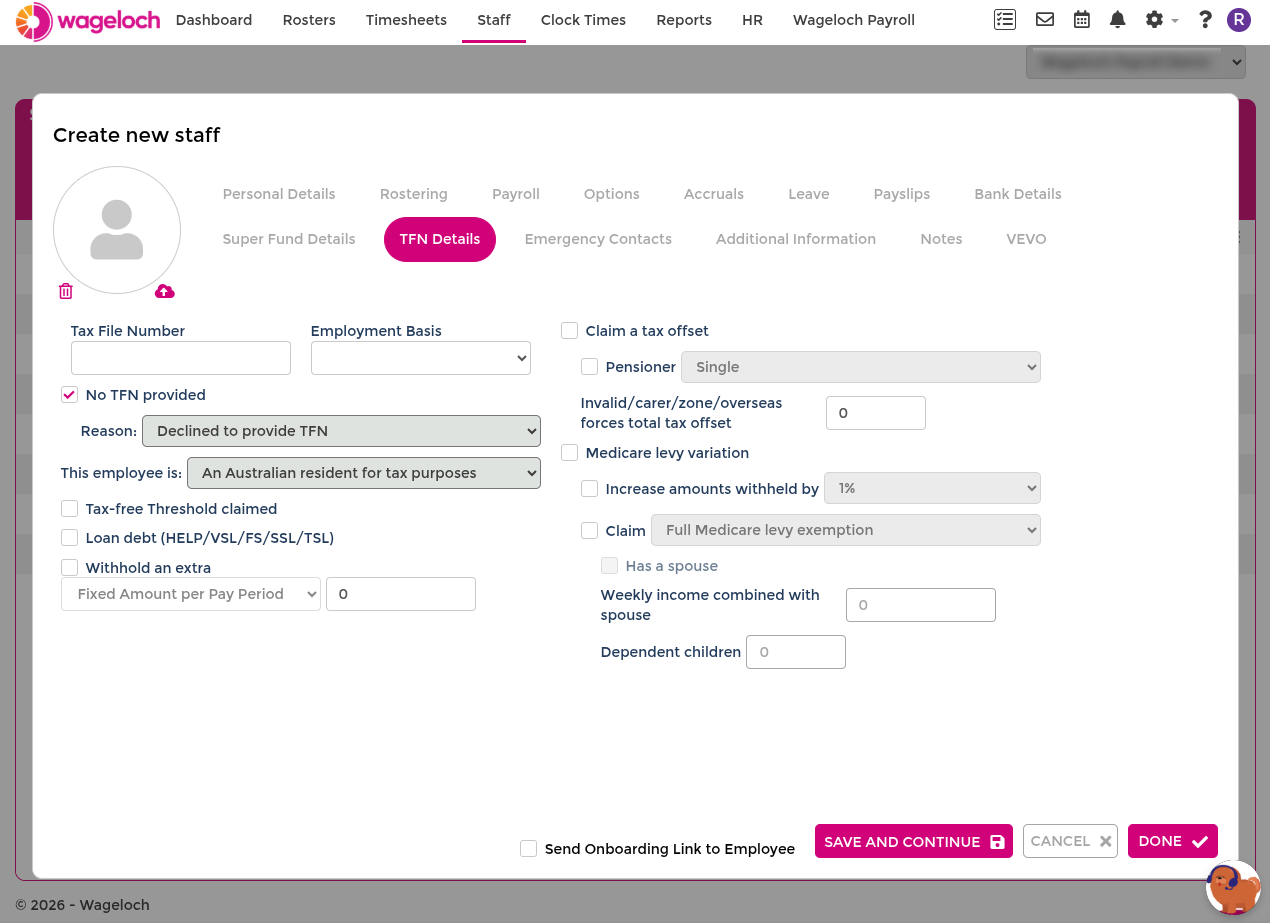
- TFN details (tax file number, employment basis, tax settings)
IMPORTANT
Missing tax, bank, or super information can delay pay processing and payroll reporting.
Ways to create staff records
You can create or update payroll-ready staff cards in two ways:
- Digital onboarding (recommended)
- Manual entry in staff cards
Digital onboarding
Digital onboarding helps collect employee information directly from staff members.
Use this approach when you want staff to submit their details online before payroll setup is finalised.
TIP
If you are moving from another payroll platform, ask your implementation manager about supported data imports.
Manual staff card setup
- Go to Staff.
- Select Create.
- Enter required employee details.
- Complete payroll-relevant fields, including tax, bank, and super.
- Select Done to save.
Review and maintain staff data
After creating a staff card, review payroll details regularly and update records whenever employee information changes.
Use Staff Information for the full staff card reference and field behaviour.