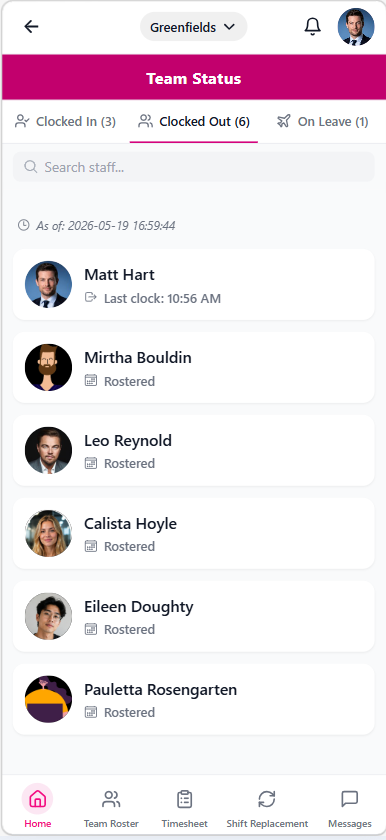
Team Status
1 min read
Team Status
Open Team Status to monitor attendance and availability for your team.
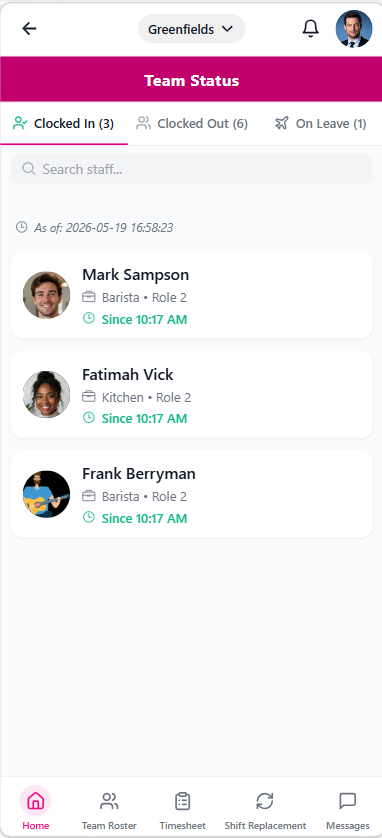
Team status tabs
Use these tabs to move between team states:
- Clocked In
- Clocked Out
- On Leave
What you can do in Team Status
From this screen, you can:
- Search employees by name or role.
- Review each employee's role and location.
- Check clock-in times for employees already on shift.
- Identify employees who have not clocked in.
- Review leave visibility for employees who are unavailable.