Security settings
1 min read
Security settings
Use Security to assign portal administrators and manage mobile communication settings.
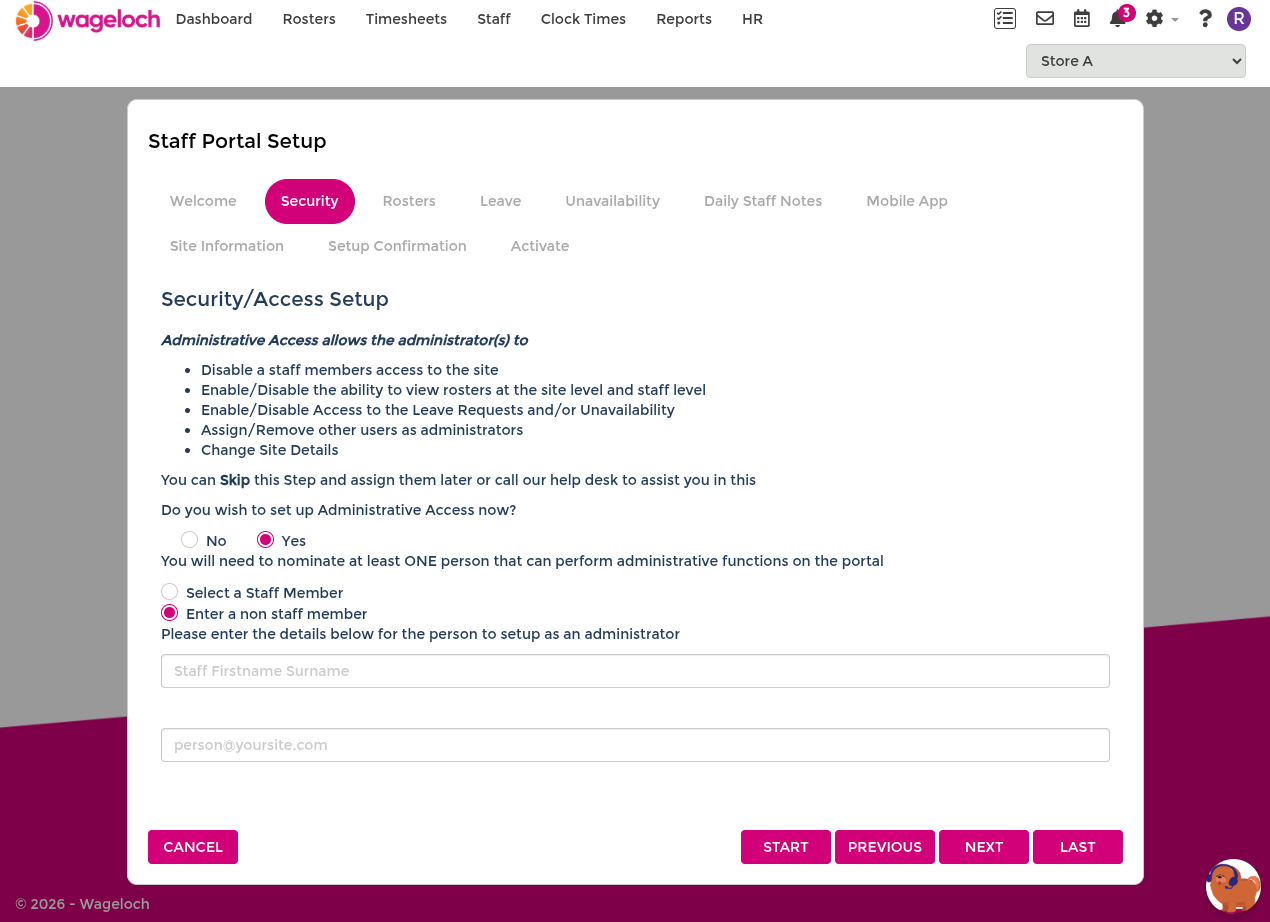
- Administrative access: grants admin rights to a selected staff member or a non-staff contact.
- Shift Replacement and Message Centre: lets portal admins handle shift replacement communication and staff messaging.
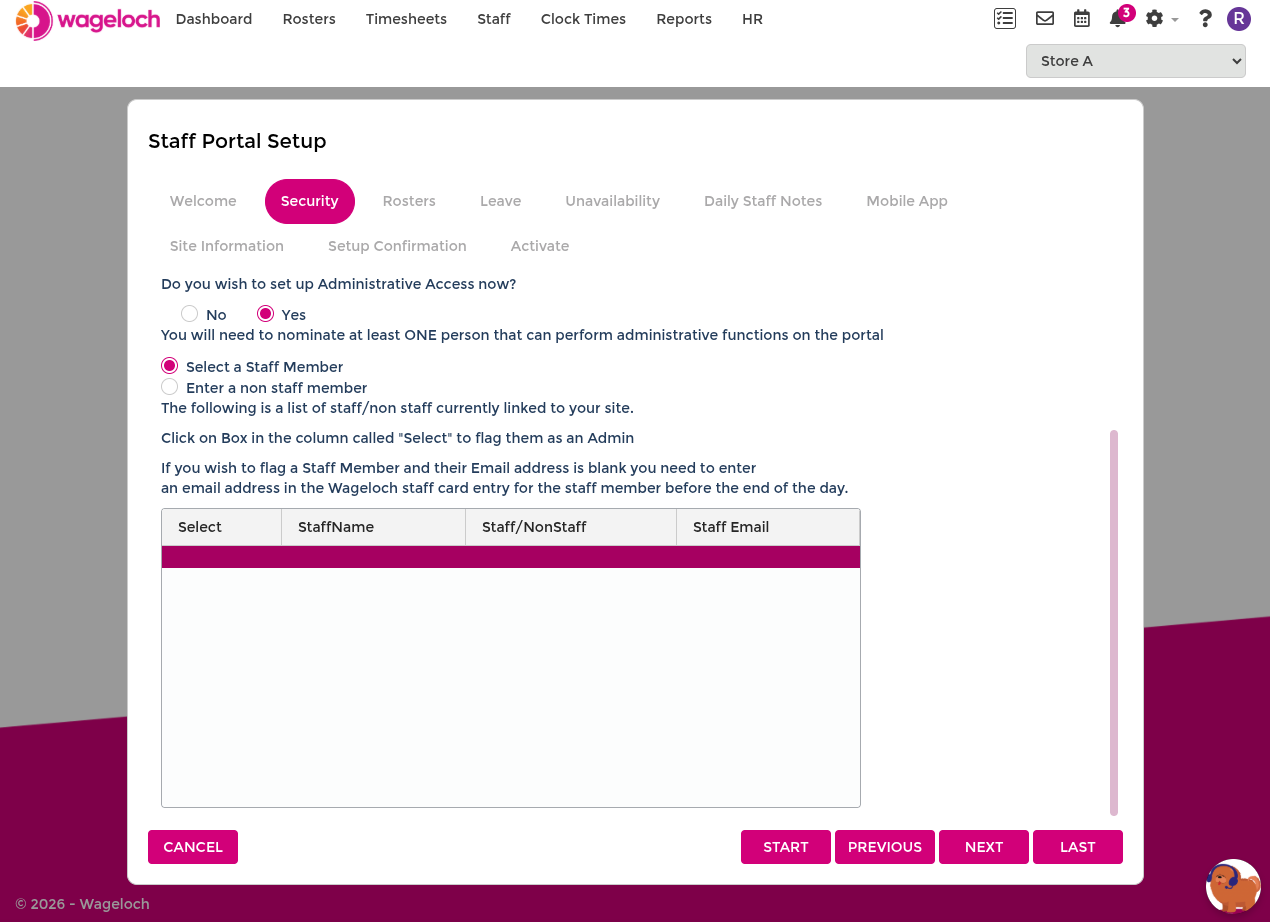
Assign an existing staff member as portal admin
- Select Yes for administrative access.
- Choose Select a Staff Member.
- Tick the staff member(s) to grant access.
- Click Next.
Assign a non-staff portal admin
- Select Yes for administrative access.
- Choose Enter a non-staff member.
- Enter first name, surname, and email address.
- Click Next.