
Point of sale systems
1 min read
Point of sale systems
This guide explains which point-of-sale (POS) platforms can connect to Wageloch and what to expect during activation and setup.
Supported POS integrations
- MINFOS (desktop Wageloch only)
- POS Works
- ZPOS / ZSoftware
- Bluize
- H&L
- Striven
- Lightspeed / Kounta
- Corum LOTS
- Doshii (requires Wageloch referral and a paid Doshii subscription)
Activation
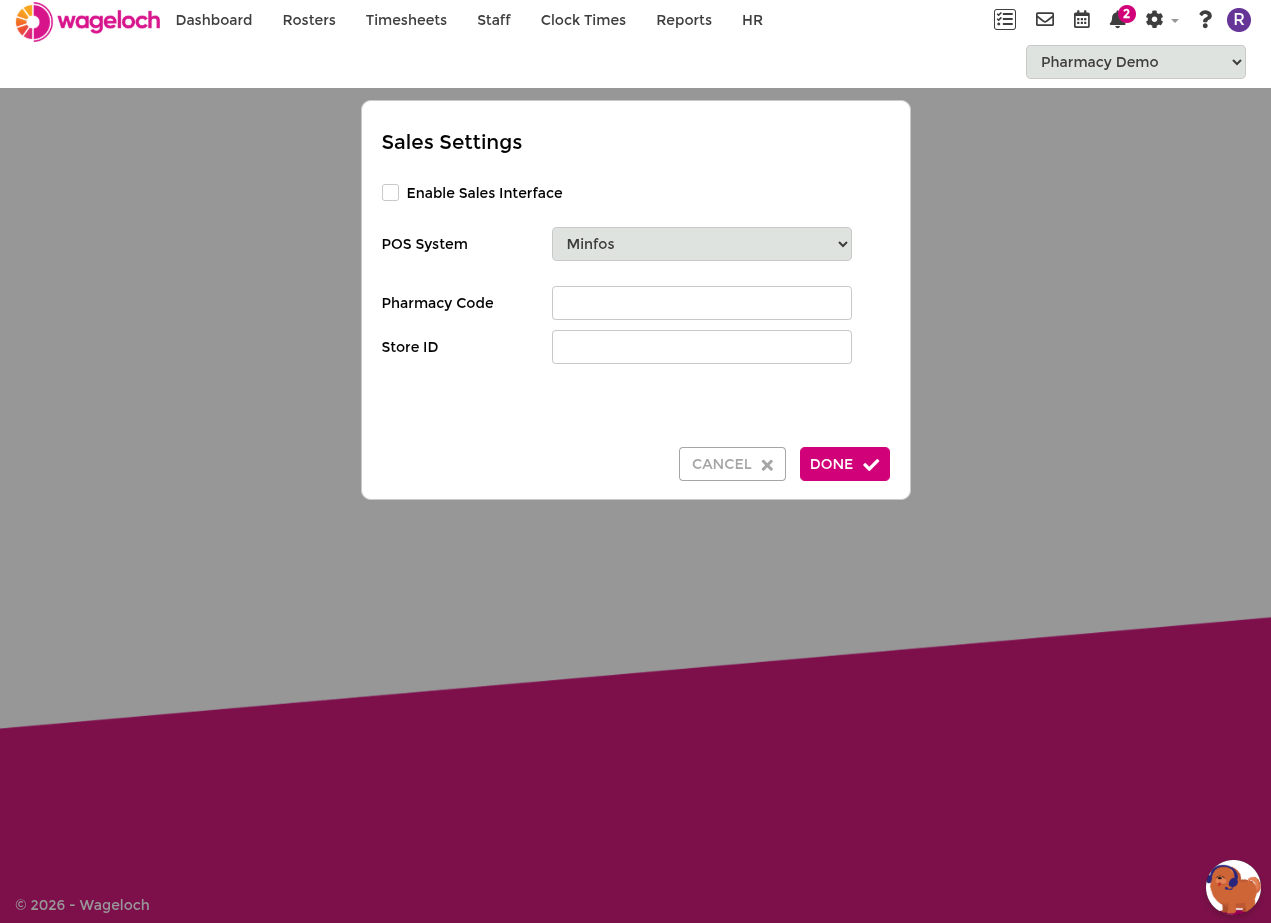
To enable POS sales downloads, contact Helpdesk.
Setup expectations
- After activation, Helpdesk will guide the integration steps for your POS platform.
- Helpdesk may require remote access to complete setup.
- You may be asked for details about your POS server or connection environment.
- After setup, test the connection to confirm sales data is flowing correctly.
Where sales data appears
- Rosters: in the Sales menu.
- Timesheets: at the bottom of the page during hour finalisation.
If sales data does not appear automatically, select RELOAD SALES.
If data is still missing, contact Wageloch Helpdesk.