Stores
1 min read
Stores
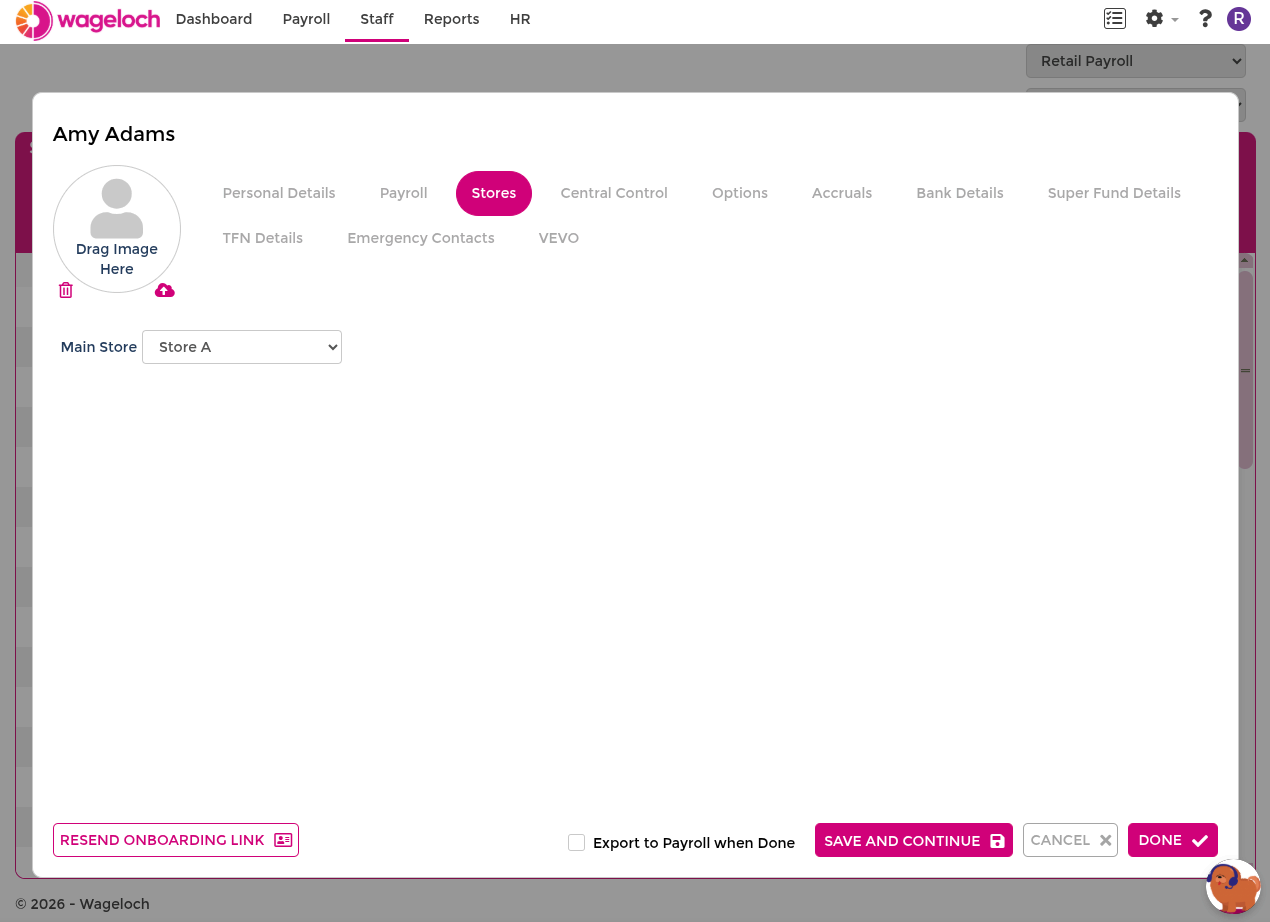
Open an employee's staff card and select the Stores tab to control which locations they are associated with.
Settings
- Main Store: the employee's primary location. This determines which site's rosters and timesheets the employee appears on by default.
- Also works at: additional locations where the employee can be rostered and clocked in. Add stores here when an employee works across multiple sites.