
My Profile
1 min read
My Profile
Open My Profile from the profile icon in the top-right corner of the Home screen to review and update your personal details.
Authenticate before viewing personal data
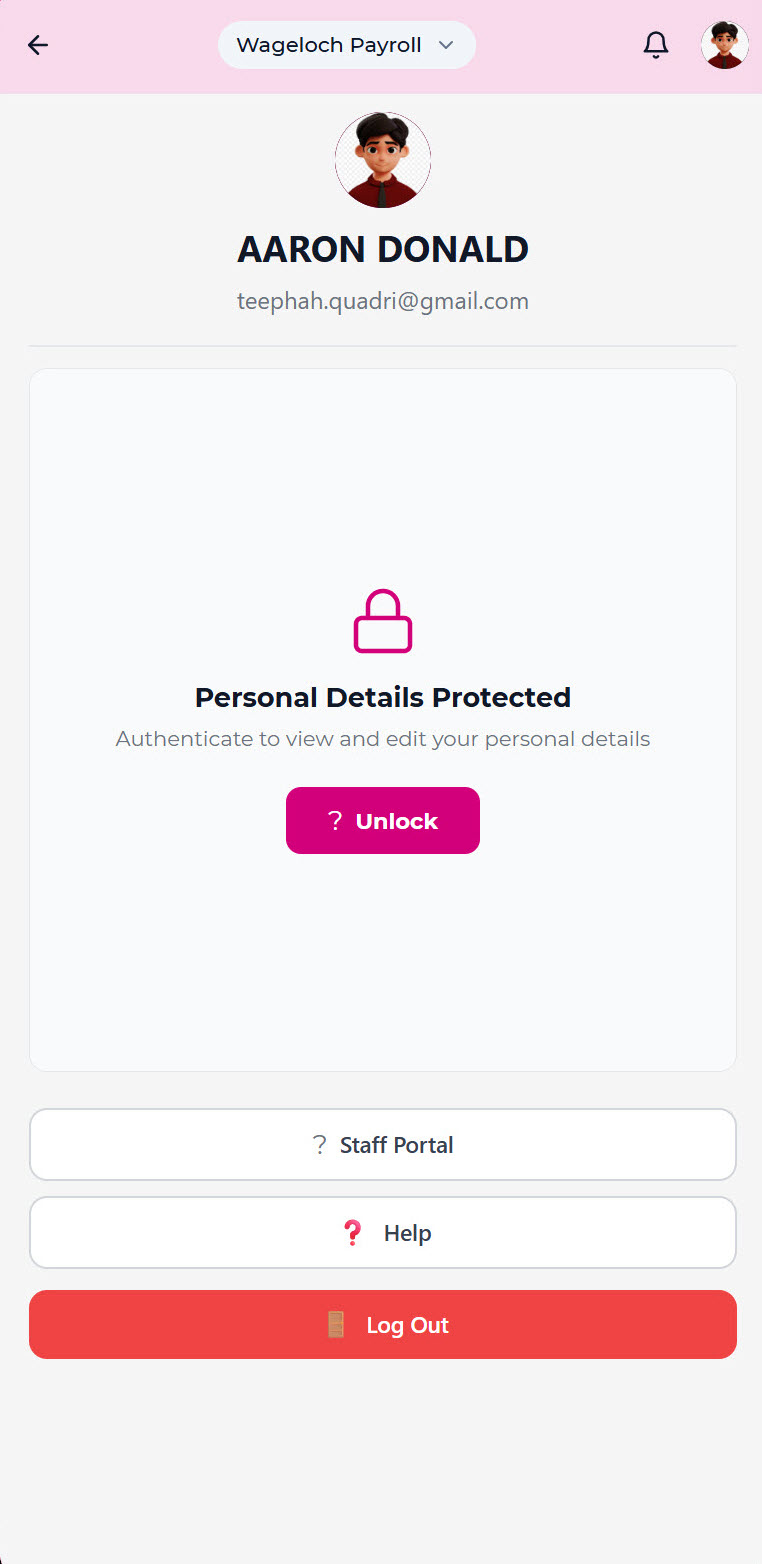
For security, you must authenticate before you can view personal details. Set up one of the following:
- Biometric authentication (register your face or fingerprint, confirm and save to unlock) or
- A 4-digit PIN (enter, confirm, and save to unlock)
Note: You need to authenticate each time you access personal data. When you log out of the app, you need to reset your authentication.
View and edit your profile
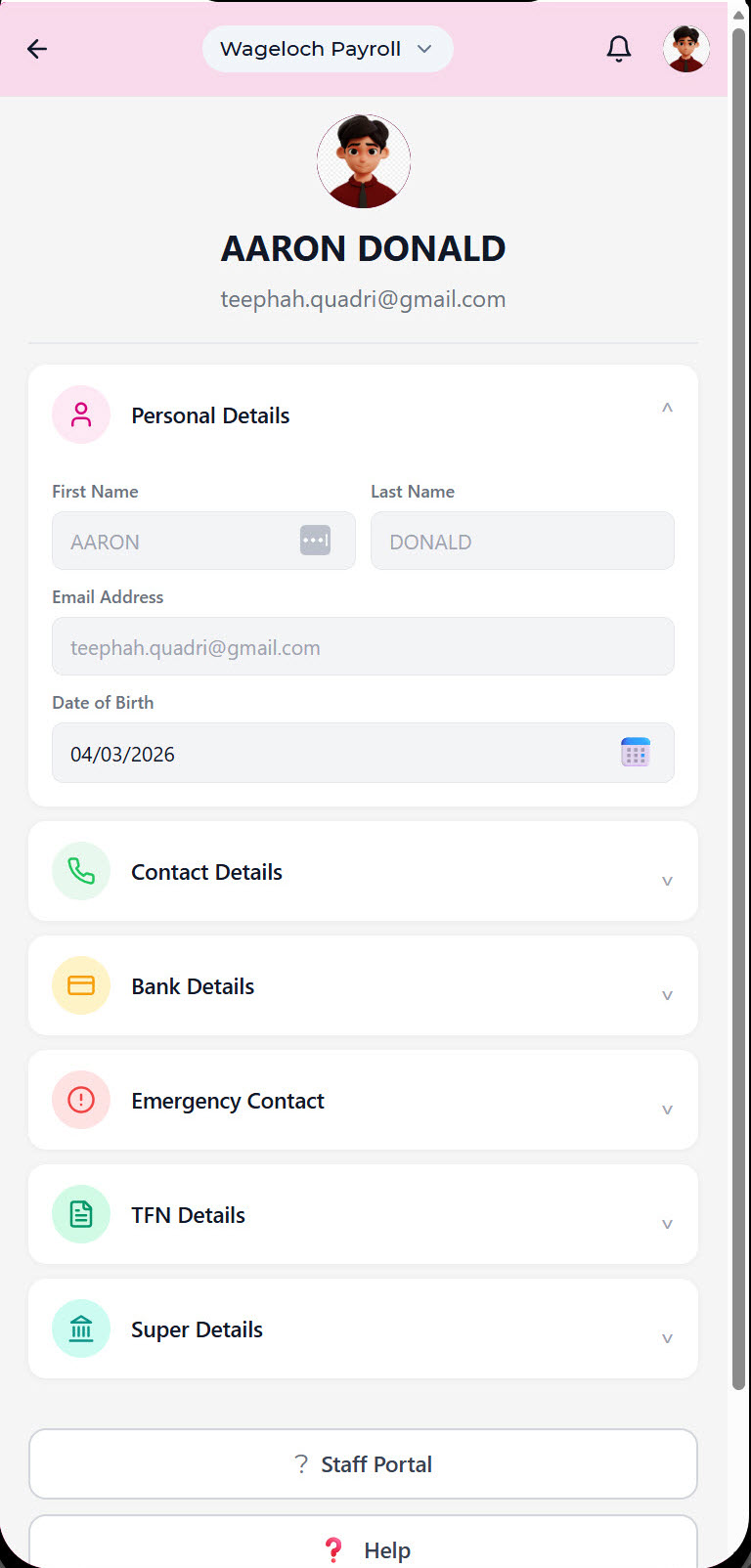
After authentication, you can view or edit (where permitted):
- Employee profile
- Personal details
- Contact details
- Bank details
- Emergency contact details
- TFN details
- Super details
You can also access your
- staff portal account,
- open help content, and
- log out.
Profile photo
You can view your profile photo and remove the current profile photo from this screen.