
Manual Input
1 min read
Manual Input
Use Manual Input when you need to submit a time entry manually — for example, if you forgot to clock in or out at the time it happened.
You can submit
- Clock In,
- Clock Out,
- Break Start, and
- Break End entries.
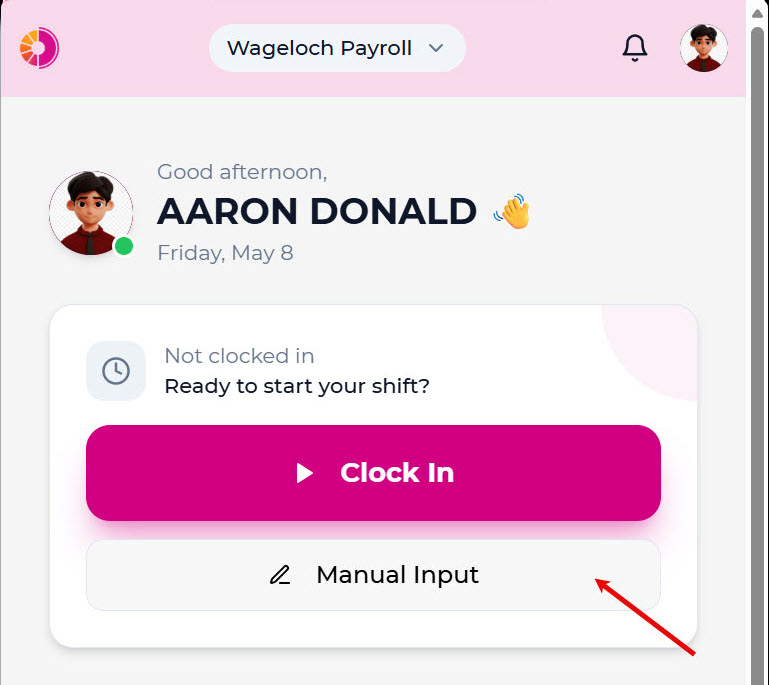
Submit a manual entry
- Open Manual Input from Home.
- Choose your role.
- Select the clock type.
- Select the date.
- Select the time.
- Enter your location.
- Add optional notes.
- Tap Send.
For live clock entries during your shift, see Clocking in and out.