
Leave Calendar
2 min read
Leave Calendar
The Leave Calendar is the central view for handling leave and availability activity. It helps managers process requests, review approved bookings, and check impacts before publishing or updating rosters.
What you can do in the Leave Calendar
- Review pending leave and availability requests.
- View approved leave by staff and date.
- Open manual booking actions when changes are needed.
- Check upcoming coverage risks before finalising rosters.
Access the Leave Calendar
- Open Wageloch and sign in.
- Select the Calendar icon in the top-right corner.
- Select the Calendar tab.
You will usually see these sections:
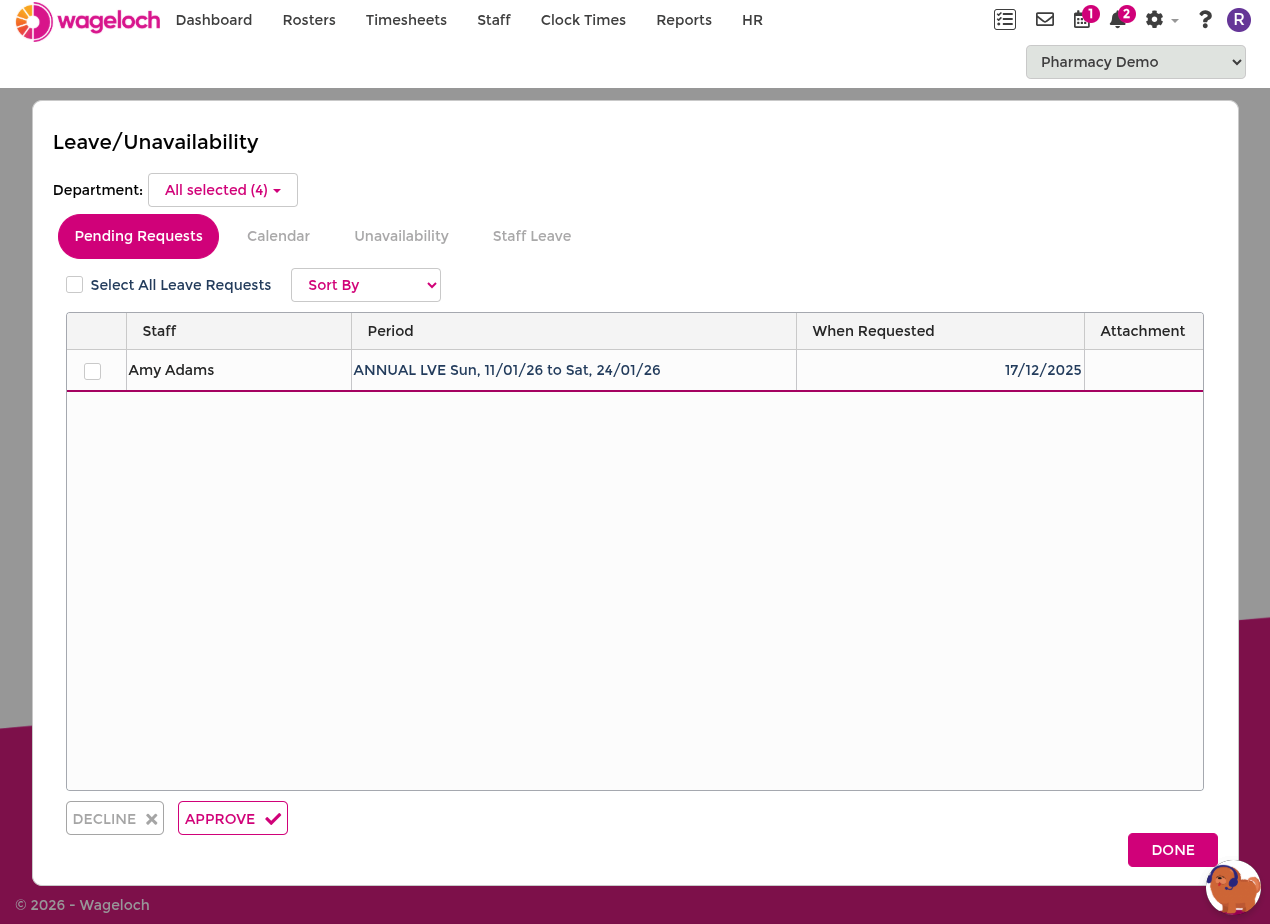
- Pending Requests: for approval and decline actions.
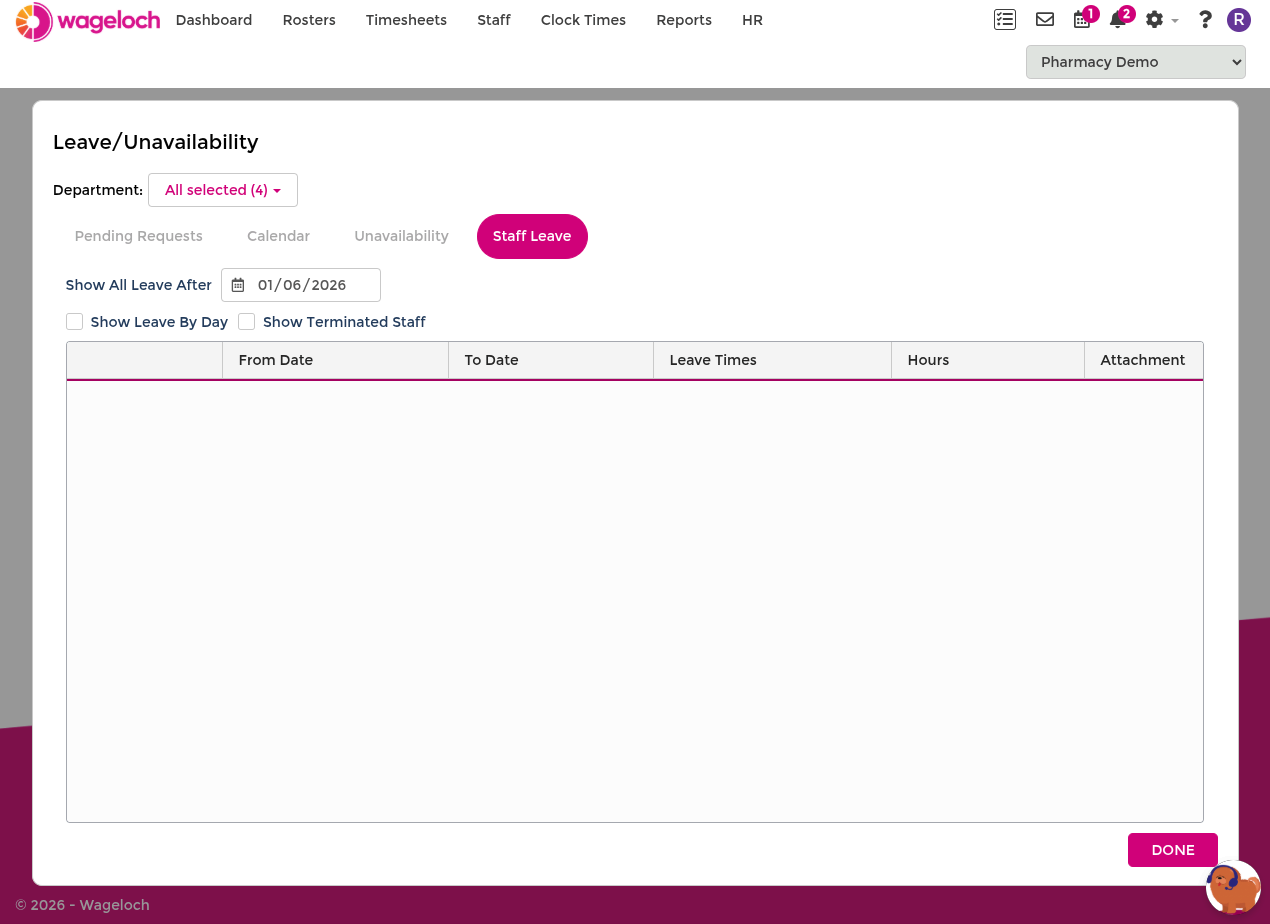
- Staff Leave: for viewing and editing approved leave.
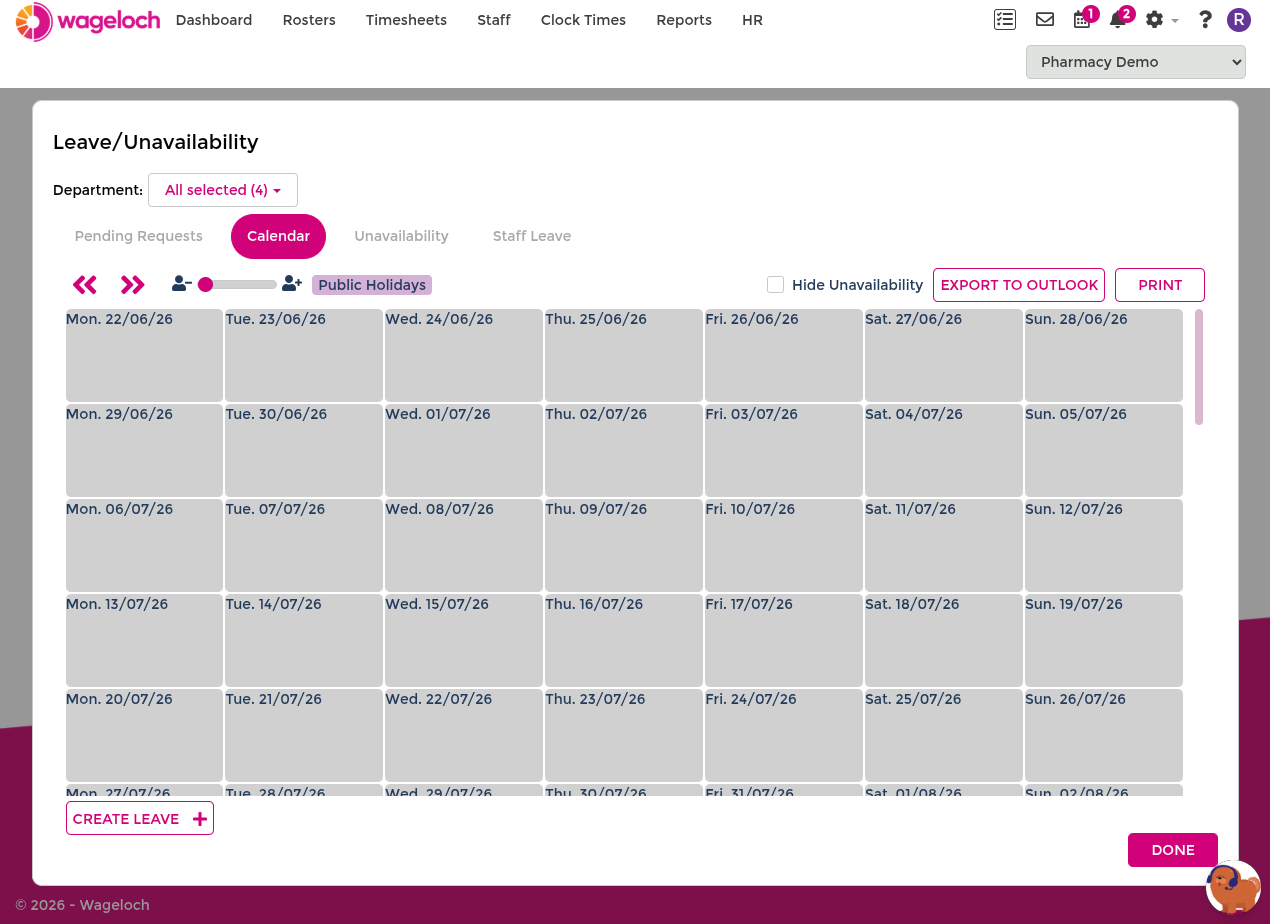
- Calendar View: for date-based planning across the team.
INFO
Leave requests shown in Pending Requests are submitted by employees through the Staff Portal or Mobile App.
How to use it in day-to-day planning
- Process pending requests before publishing new rosters.
- Check approved leave against expected staffing levels.
- Use availability and leave together when assessing coverage.
- Make manual bookings where operational changes require it.
INFO
The Leave Calendar supports planning decisions, but managers can still make operational adjustments when required.