
Clocking In and Out
1 min read
Clocking In and Out
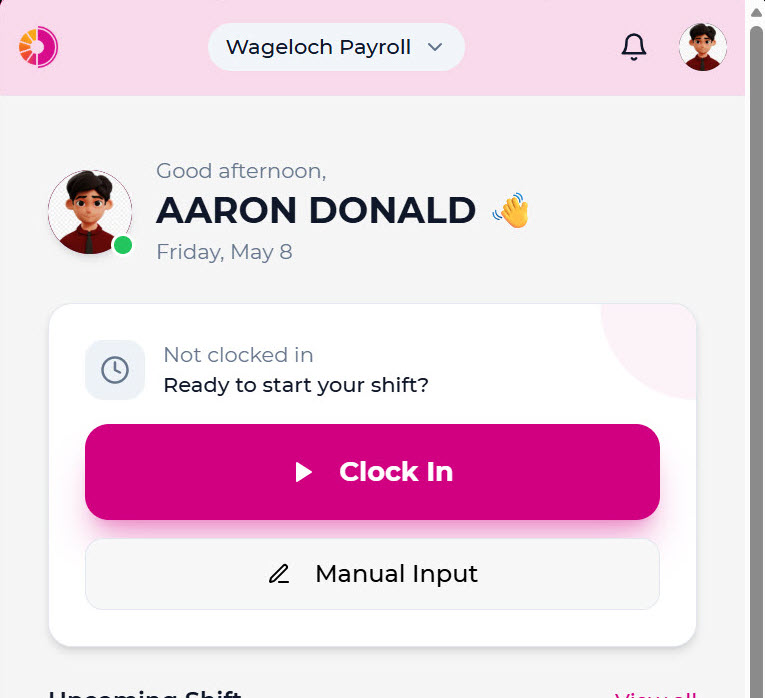
Use the shift status card on Home to manage attendance.
If you need to record a clock entry you missed, see Manual input.
Clock in
- Tap Clock In.
- Review the shift details.
- Select a department if required.
- Select a role if required.
- Add an optional note.
- Tap Clock In to confirm.
Clock out
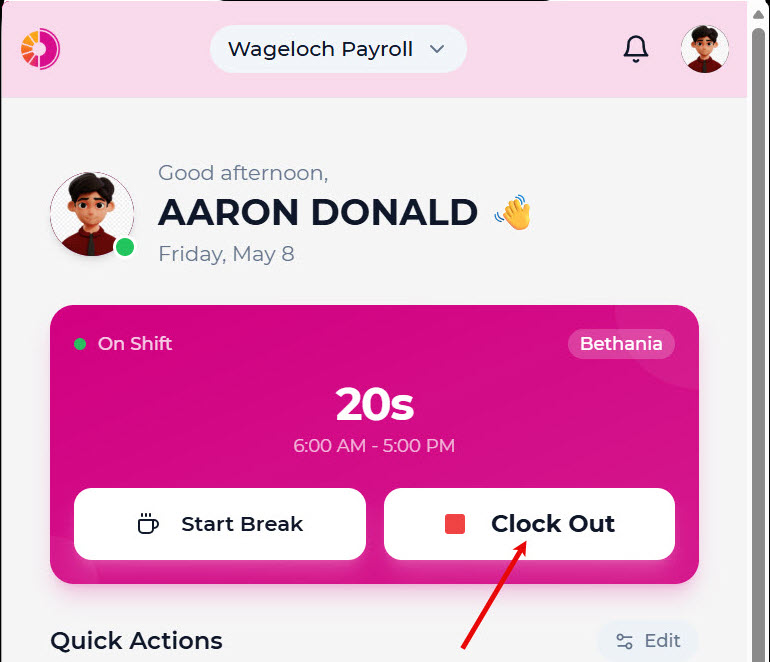
- Tap Clock Out.
- Add an optional note.
- Tap Clock Out to confirm.
Start a break
- Tap Start Break.
- The app begins tracking break time.
End a break
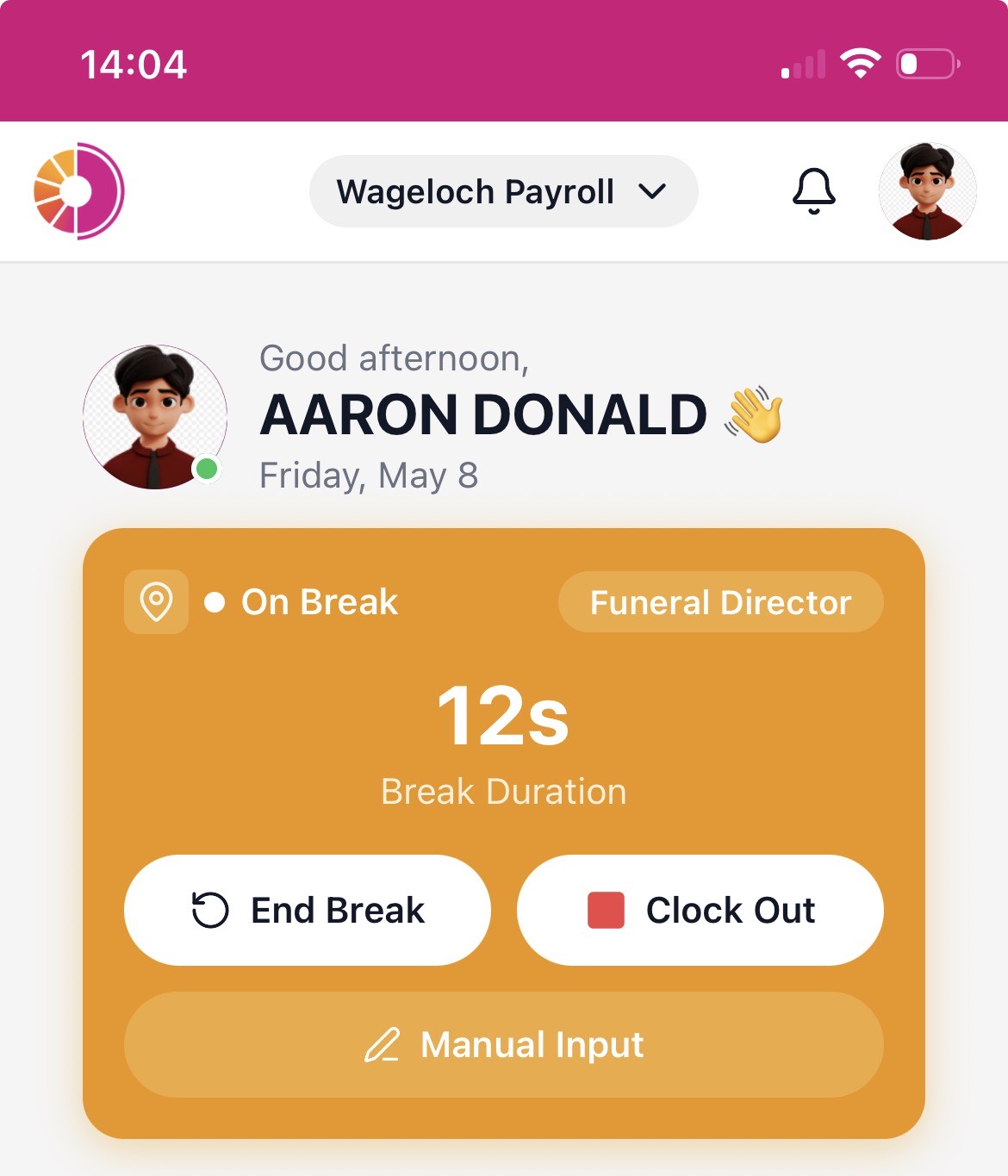
- Tap End Break.
- The app records the break duration and returns you to shift status.