Locating documents
2 min read
Locating documents
Use Wageloch HR to track sent contracts and policies, then use staff cards to manage stored files.
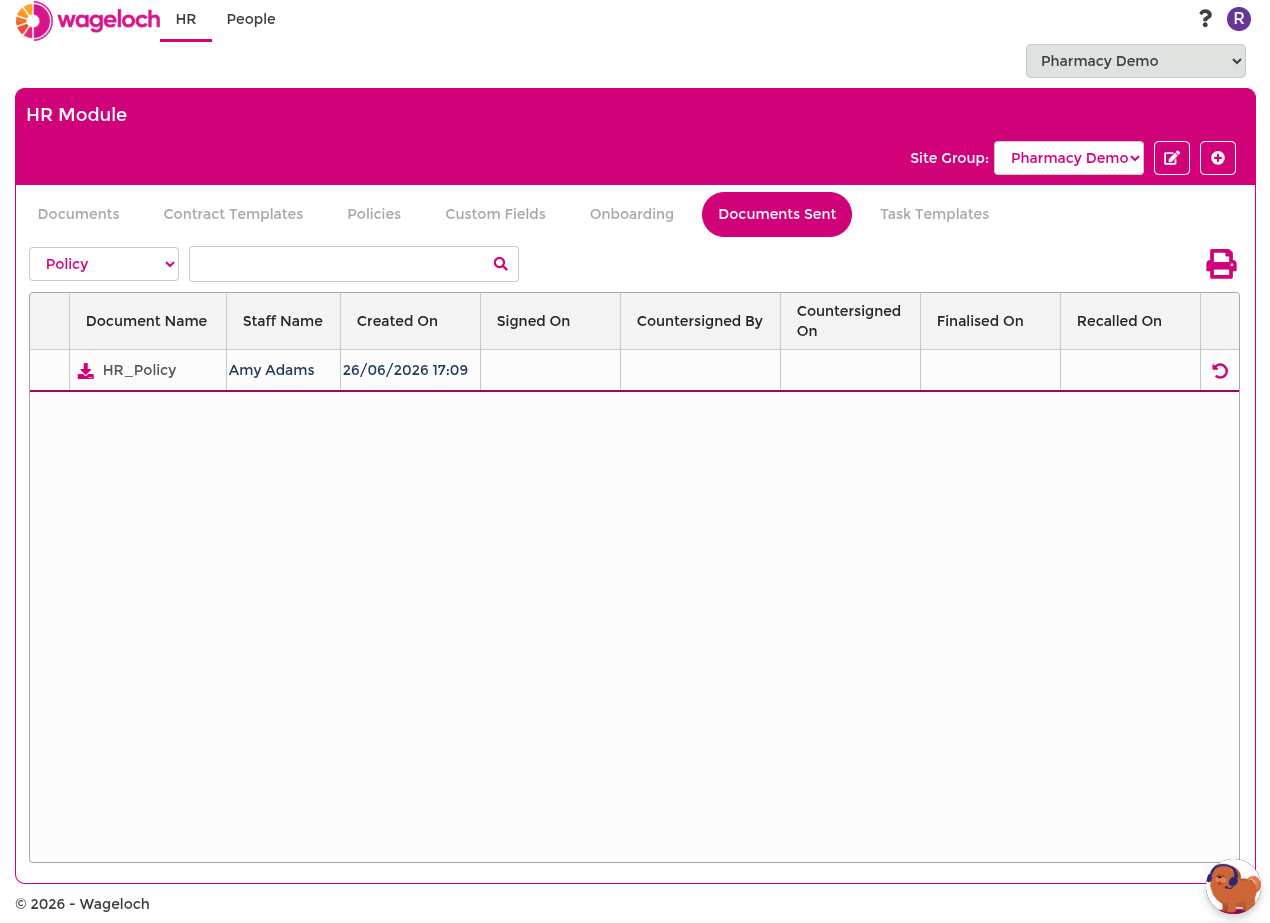
Documents Sent
The Documents Sent area shows document status after you issue contracts or policies from Contracts and policies.
In this area, you can:
- Filter by contract or policy.
- Search by employee name or document title.
- Download issued documents.
- Resend documents when signatures are pending.
INFO
Countersign status appears only when the original template includes a countersign placeholder.
Check document status
- Go to HR > Documents Sent.
- Set the Contract/Policy filter.
- Use Search to find the record.
- Review signature status for employee and countersigner.
Download or resend from Documents Sent
- Go to HR > Documents Sent.
- Locate the required document.
- Select Download to save a copy.
- Select Resend if signature progress has stalled.
Documents in staff cards
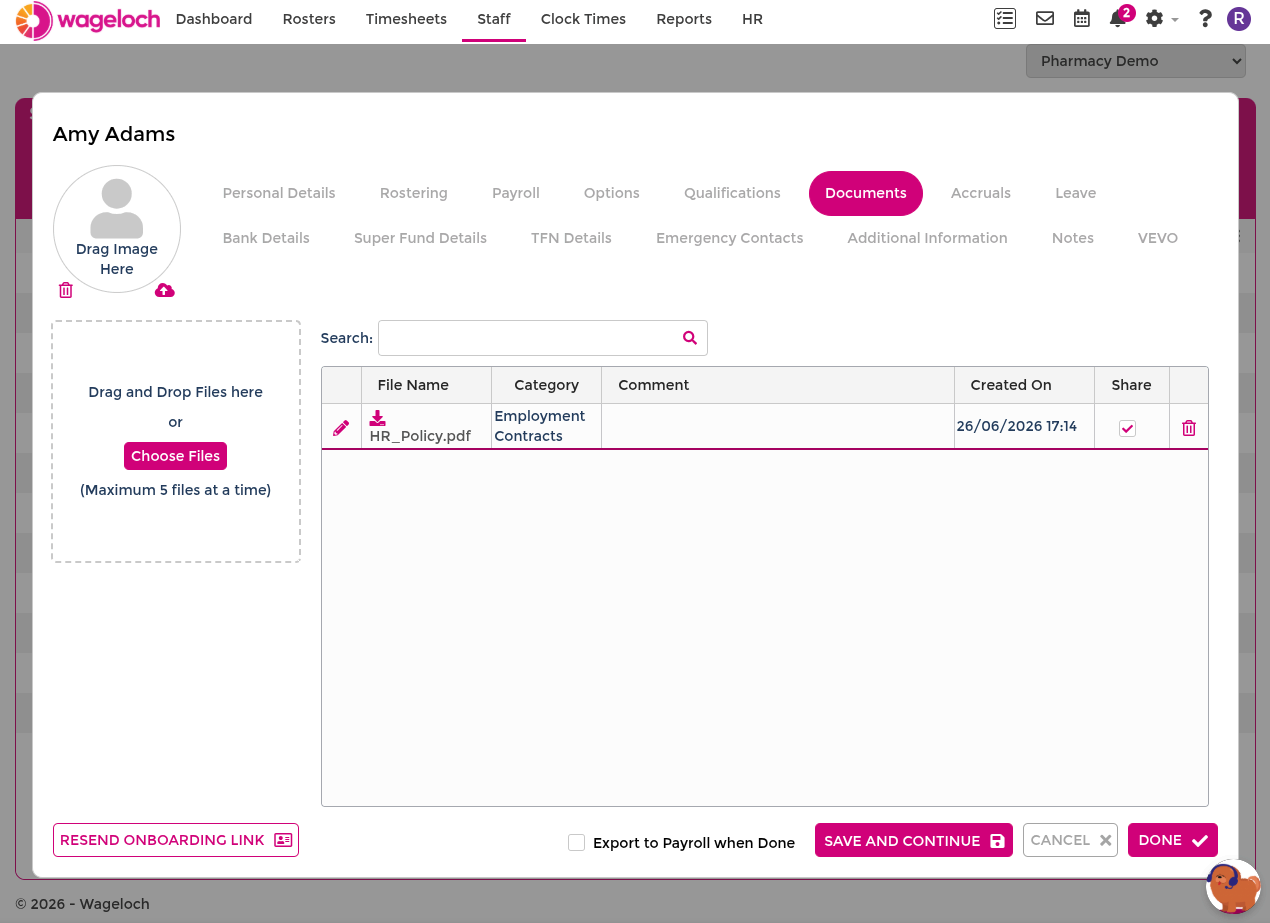
Staff cards provide one place to review completed files and upload supporting documents.
Open the Documents tab
- Go to Staff.
- Select the employee.
- Open the Documents tab.
- Review existing files and document details.
Upload a document
- In the Documents tab, use Drag and Drop or Choose File.
- Select the document category.
- Add an optional comment.
- Select Upload.
- Select Done to save changes.
INFO
Files uploaded through staff cards can be different file types, with an 8 MB size limit.
TIP
Use clear file names and comments so documents are easier to identify later.
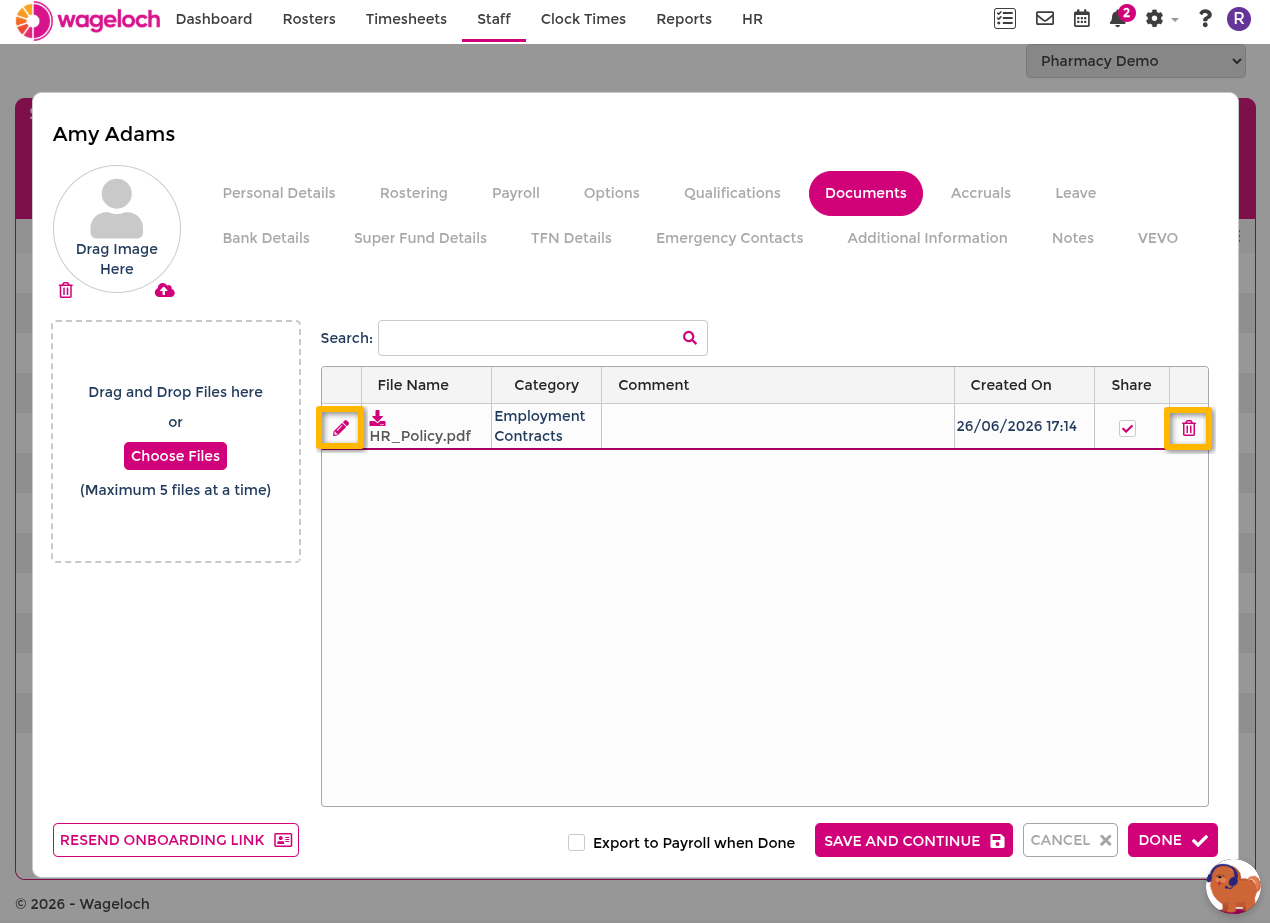
Edit document details
- In the Documents tab, find the file.
- Select Edit.
- Update category or notes.
- Select Done to save.
Delete a document
- In the Documents tab in HR or a staff card, find the file.
- Select Delete.
- Confirm the prompt.
WARNING
Deleting a document removes it from the staff card record. Download a copy first if you need to keep it.